

TimePassages, the chart software from Astrograph, has a loyal following among astrology students. It combines real calculation tools (dozens of house systems, harmonic charts, asteroid and centaur lists, a graphical transit timeline) with point-and-click interpretations written for learners. But it is not the only program that treats charts as the main event. If you have outgrown free phone apps and want software built around calculation, these are the alternatives worth a look.
What the serious programs have in common
Professional-grade software calculates charts from full birth data (date, time, and place) using precise ephemeris tables, then layers on forecasting tools: transits, secondary progressions, solar arc directions, synastry and composite charts. Object lists run past the ten planets to asteroids, Chiron, Lilith and trans-Neptunian points, and house systems go beyond Placidus into Koch, Equal, Whole Sign and more. When you compare options, check for exactly this: calculation depth first, interpretation text second. On the forecasting side, our guide to what a transit actually is in astrology explains the technique behind those timeline graphs.
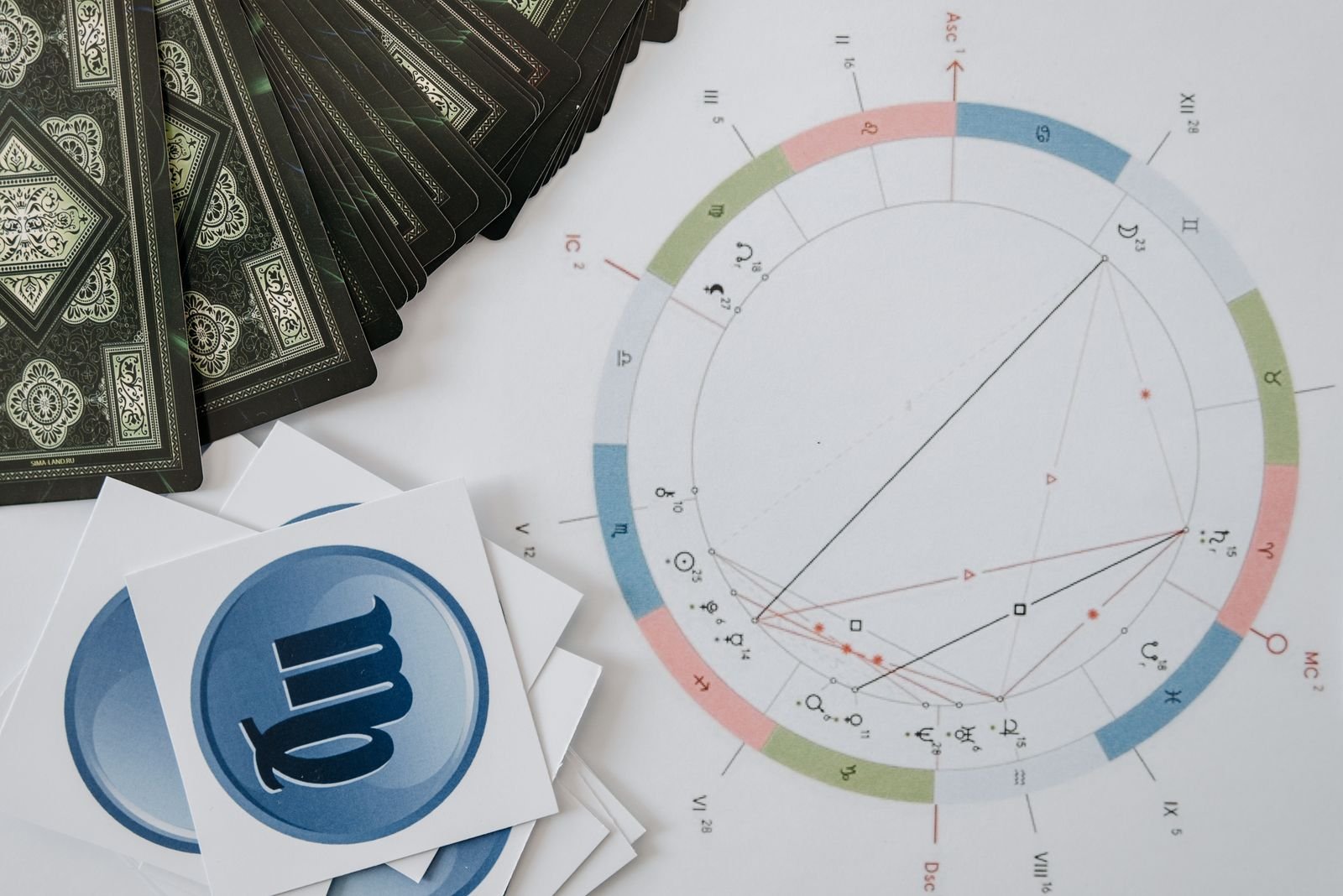
Solar Fire
Made by Esoteric Technologies, Solar Fire has been the working astrologer’s standard desktop program for years. It runs on Windows and covers natal, transit, progressed and return charts, synastry and composite work, interpretive reports, and page layouts for client printouts. The asteroid, fixed-star and midpoint lists run deep, and the chart-file format is widely supported, so charts you cast in Solar Fire open in other programs too. Students who plan to read for others eventually will find this is the program most courses and consulting astrologers assume.
AstroGold
Also from Esoteric Technologies, AstroGold is the Mac, iPhone and Android counterpart to Solar Fire, and chart files move between the two. It carries the same calculation engine with interpretations, transits, progressions and synastry, in an interface designed for smaller screens. Students who study on a laptop and want their charts on a phone get both without re-entering birth data.

Astrodienst extended chart selection
Before paying for anything, try what Astrodienst gives away free on astro.com. The Extended Chart Selection draws natal charts, transit bi-wheels, progressions, solar returns, synastry and composite charts, with a long menu of house systems, tropical and sidereal zodiacs, and extra objects including asteroids and Black Moon Lilith. The interpretation text is brief compared with paid programs, but the calculation is trusted by professionals, and the price is zero.
Astro-Seek
Astro-Seek is a free site with an unusually deep toolbox: natal and transit charts, traditional and modern techniques, Arabic parts, fixed stars, asteroid lists, ephemerides and calendars. The interface is plain, but the range of calculated material rivals paid software. It works well as a second opinion when you want to double-check a chart cast somewhere else, or as a primary tool for students on a tight budget.

Kepler and Sirius
From Cosmic Patterns Software, Kepler and Sirius are professional programs with natal, forecasting and relationship modules plus research features such as chart sorting and statistical tools. They sit at the higher end of the price range and suit students who want to study chart data systematically rather than only read interpretation paragraphs.
Morinus
Morinus is free and open source, built around traditional techniques: essential dignities, profections, firdaria and primary directions. Most beginners do not need these on day one, but if your studies take you toward classical methods, Morinus covers them without a purchase.
How to choose
Match the program to the work you actually do. Students who want one purchase that covers coursework and future client work should look at Solar Fire on Windows or AstroGold on Mac. Students on a budget can get most calculation needs met free through astro.com and Astro-Seek, and many learners pair one of those with TimePassages itself for the friendlier interpreted reports. If your interest is the daily-horoscope side of astrology rather than chart calculation, our roundup of Astrology.com alternatives covers the portal sites instead.